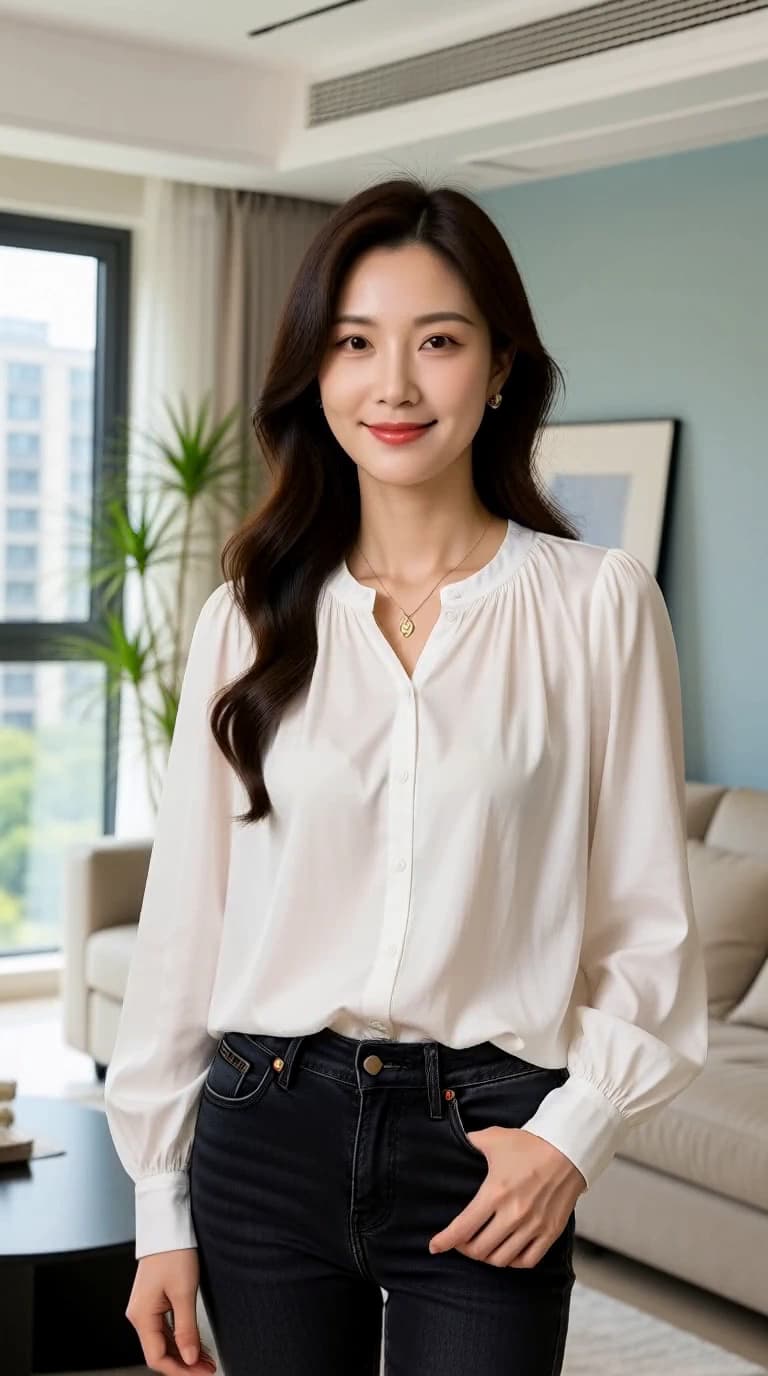
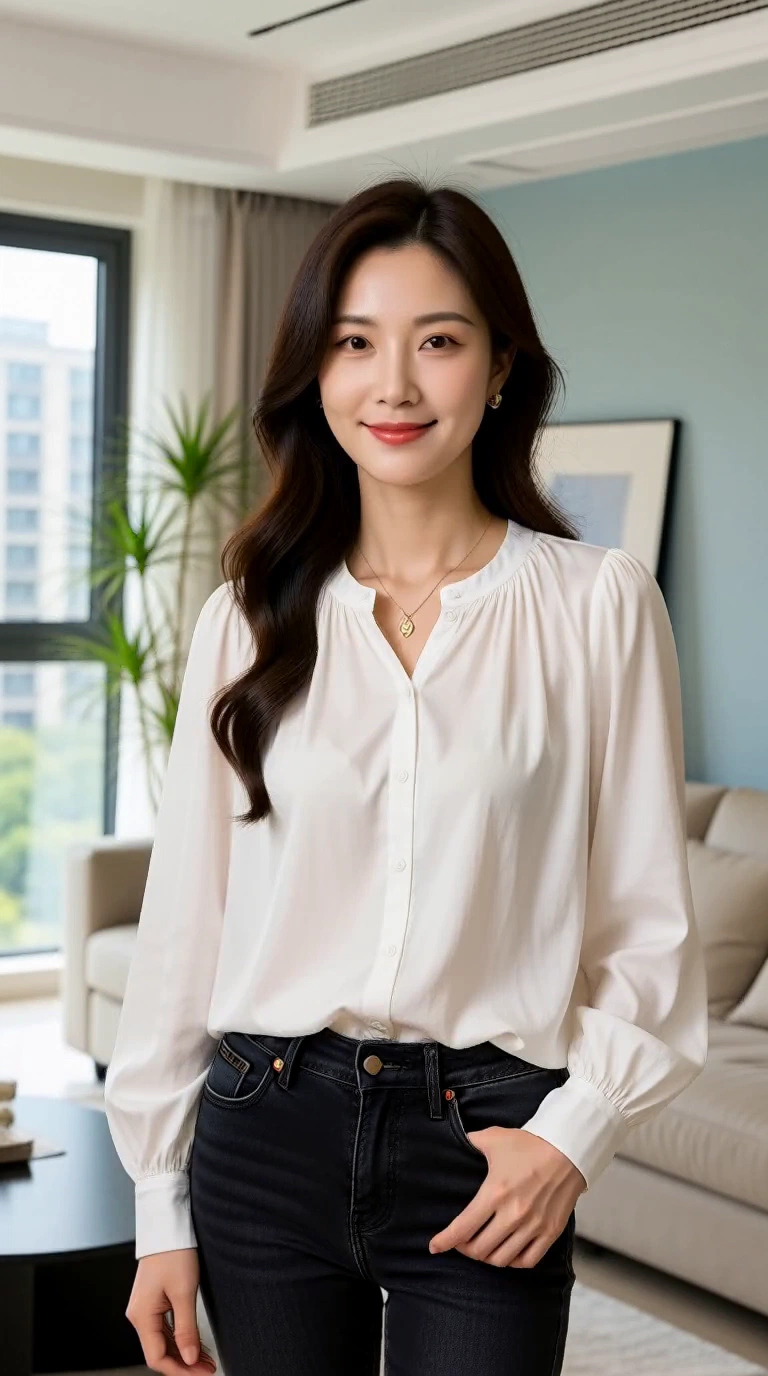
Daylight portrait in motion
Watch an original XVideo AI Image to Video sample. Compare the source portrait with the generated turn, framing changes and motion brief.
What we saw. The head and upper body turn toward the window, then return toward the camera. The white blouse and room remain recognizable, but the shoulders and framing shift with the movement.
Try next. If retaining the source composition matters most, ask for a smaller turn and a locked camera. Treat that as a new direction to test, not a guaranteed correction.
Sample settings and limits
- Input
- Generated fictional-adult source image
- Model
- MiniMax H3 LoRA
- Requested
- 5s · 768p
- Original file
- 768 × 1344 · 24 fps · 5.17s
The movement is broader than the small head turn in the brief. Image to Video creates a continuation; it does not preserve every source detail or the exact opening framing.
These are observations from one clip. The suggested next brief has not been render-tested.